pixverge
Web app vs mobile app: which should your business build first?
Short answer
Build a web app first when people need to complete tasks in a browser, you want one product that works on phones and desktops, and you need to ship and change it quickly. Build a mobile app first only when the core job depends on the phone itself, frequent return visits, push prompts, offline use, or deep device features such as camera and precise location. Most businesses should prove the workflow on the web, then add a store app once usage frequency justifies the install. At Pixverge that work is fixed price, with a free Ops Clarity Call, Automation Packs from $1,200, Build Sprints from $3,500, and typical focused builds live in 2 to 6 weeks.
On this page
"Should we build an app?" is the wrong first question. The useful question is which surface your customers will open when they need to get something done: a browser tab they can share, or a product they must install from a store.
This guide compares web apps and mobile apps in plain language for businesses of any size, in any industry, anywhere in the world. It covers what each one is good for, when store review and install friction are worth it, and how to pick a first build that stays on budget.
If you are still deciding whether custom software is needed at all, start with build versus buy. If the need is mainly a marketing site, see custom website versus website builder.
What a web app actually is
A web app is interactive software that runs in a browser. People open a URL, often sign in, and then do work: book a job, approve a quote, manage stock, message a team, or run a customer portal. It is not the same as a brochure website. As Contensis puts it, a website helps people find information; a web app helps people do something.
Modern web apps can also feel closer to installed software than many teams expect. Google's web.dev guide to Progressive Web Apps describes how an installable web app can sit on the home screen or start menu, open in its own window, work offline, and still reach anyone with a browser from a single codebase. Updates deploy without packaging, store review, or waiting for users to download a new build. People get the latest version when they next open the URL.
That reach matters because customers already live on phones. Telefónica, summarising Digital 2024 figures, reported that of 5.35 billion internet users worldwide, 96.5% access the internet via a mobile phone. A good web app is not "desktop only." It should work cleanly on a phone browser from day one.
What a mobile app actually is
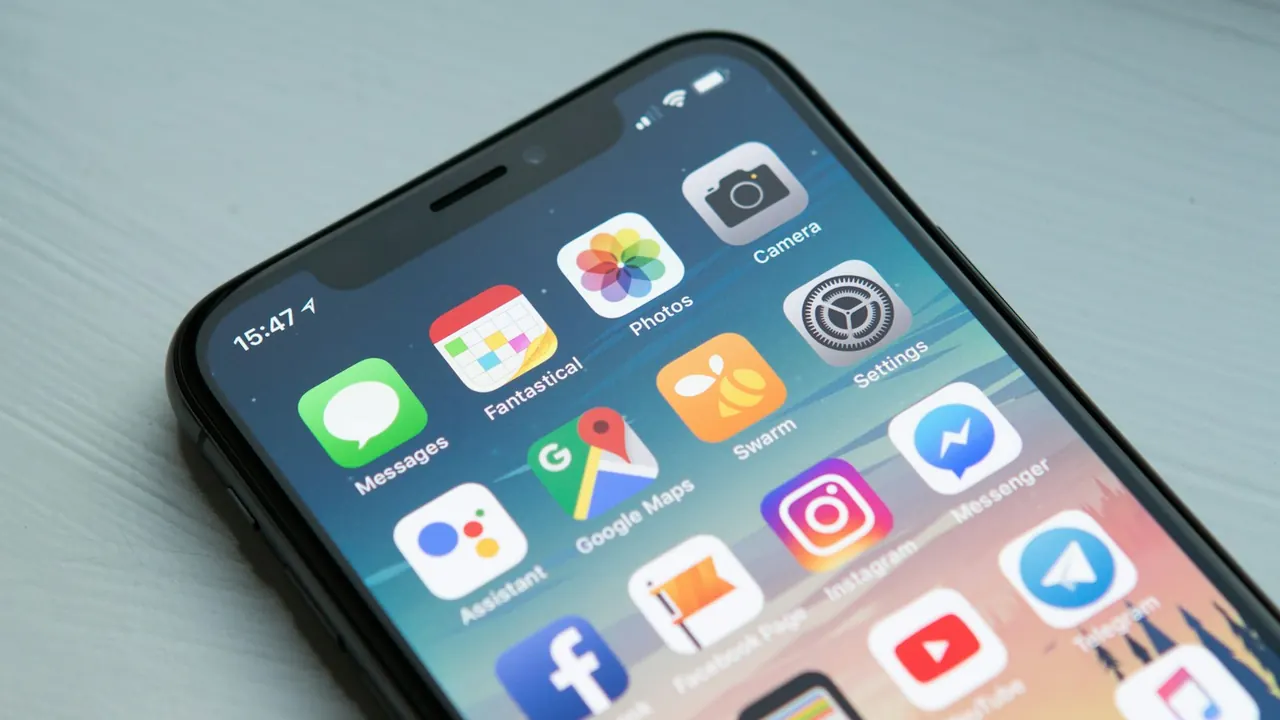
A mobile app is software installed on a phone or tablet, usually from the Apple App Store or Google Play. It can live on the home screen, send push notifications, work more reliably offline in some designs, and use device features such as camera, precise location, contacts or biometric unlock more deeply than a typical browser session.
Mobile is where attention already concentrates. Sensor Tower's State of Mobile 2025 press release reported that in 2024 people spent 4.2 trillion hours in mobile apps worldwide, while consumer spending on in-app purchases and subscriptions reached $150 billion. Downloads still mattered, but they fell slightly to 136 billion. Time and spend rose even as new installs cooled. That pattern is useful for planning: getting onto a home screen can be valuable, but winning a download is harder when people already juggle many apps.
A store listing also means review gates. Apple says App Review aims to review at least 50% of submissions in less than 24 hours and 90% in less than 48 hours, though some apps take longer when documentation, novelty or policy checks are involved. Google Play says processing can take a few hours or up to seven days, or longer in exceptional cases, and recommends planning at least a week between submission and a hard launch date. None of that is a reason to avoid mobile. It is a reason not to use a store app as your only way to learn whether the product works.
Side by side: web app vs mobile app
| Factor | Web app | Mobile app |
|---|---|---|
| How people open it | URL in a browser, optional install to home screen | Download from an app store, then home screen icon |
| Devices covered | Phones, tablets and desktops with one product | Phone and tablet focus; desktop usually needs a separate surface |
| Speed to first version | Usually faster to ship and change | Extra store setup, certificates, listings and review |
| Updates | Instant for everyone on the next visit | Store review, then users must update |
| Device features | Strong and growing, with browser differences | Strongest for camera, sensors, offline and OS integration |
| Discovery | Links, search, ads, QR codes, email | Store search and ranking, plus your own marketing |
| Best first build when | You need reach, shared workflows and fast learning | The phone itself is part of the product |
Neither column wins by default. The expensive mistake is paying for store complexity before you know the workflow, or staying on a clumsy browser experience after people clearly live in the product every day.
When a web app should come first
Choose a web app first when most of these are true:
- People need to start without installing anything. Quotes, client portals, staff tools, booking flows and internal ops desks often fail if the first step is "download our app."
- The same job happens on desktop and phone. Approvals, CRM slices, dashboards and multi-step forms usually need a keyboard sometimes and a phone sometimes.
- You still need to learn the real process. A web app lets you change flows quickly while customers teach you what matters.
- Sharing a link is part of the product. Invite a colleague, send a customer a secure page, open a job from an email.
- SEO or public pages still matter around the product. Marketing pages and logged-in software can share a domain even when the app itself sits behind a login.
Contensis frames the same sequence many teams follow in practice: website for visibility, web app when users must interact, mobile app when frequent mobile use and device features are essential. That order is not a rule for every product, but it is a sensible default when you are unsure.
If you want installable behaviour without a store launch on day one, a progressive web app can cover home screen icons, offline support and a standalone window on many devices, as web.dev documents. It is still a web product. Treat store listing as a later decision, not a requirement for the first release.
When a mobile app should come first
Lean toward a mobile app first when you recognise yourself here:
The phone is part of the job, not just the screen
Field capture, scanning, turn-by-turn location, offline checklists, or camera-heavy workflows often need a store app earlier. If the product is weak the moment the browser tab loses a permission or a network blip, mobile belongs in the first phase.
People will open it often enough to justify an install
Home screen space is scarce. A product used several times a day (messaging, dispatch, loyalty, on-site check-in) earns the install. A product used twice a month usually does not.
Push is central to the value
Reminders, status changes and time-sensitive alerts can work on the web in many cases, but if reliable mobile push is the product, plan for a store app and the OS permission work that comes with it.
Your customers already expect an app for that category
Some categories have strong habits. People look for banking, ride booking or messaging on the home screen. Fighting that habit with "just open this link" can cost more than the store build.
Even then, many strong products still prove demand on the web first. Ivelum's comparison of web and mobile first builds notes that ChatGPT grew as a web app before adding mobile clients. You do not need that scale for the lesson to apply: learn the workflow where updates are instant, then invest in store distribution when retention justifies it.
A simple decision test
Write one sentence for the job the first release must complete. Then answer these six questions with yes or no:
- Must people finish the job without installing software?
- Do the same users also need a desktop keyboard for part of the work?
- Will we change the workflow more than once a week in the first months?
- Is a shareable link part of how work moves between people?
- Does the core value depend on camera, precise GPS, offline use or OS-level push?
- Will a typical customer open this several times a week from a phone?
If you answered yes to most of 1 to 4, start with a web app. If you answered yes to 5 and 6, a mobile app belongs in the first phase, either alone or beside a thin web companion. If both columns light up, split the scope: ship the shared workflow on the web, and reserve the phone-only jobs for a focused mobile phase.
What Pixverge builds, and how we price it
We do not push every enquiry into a store app. On the free Ops Clarity Call we look at the users, the job to be done, and whether a web app, a mobile app, both, or neither is the honest next step.
When a build is right, the packages stay simple:
- Ops Clarity Call: free. Thirty minutes to map users, platforms and the smallest useful first release.
- Build Sprint: from $3,500. Fixed scope, fixed price, staging review before launch, handover at the end. Typical focused builds go live in 2 to 6 weeks.
- Automation Pack: from $1,200. Connect the CRM, booking, payments or ops tools around the app so people are not copying data by hand.
You can read more on our app development and custom software pages, or see the packages on the home page.
So, which should you build first?
For most businesses, the web app is the better first product: one URL, phones and desktops together, fast changes, and no store queue between you and the next improvement. Choose a mobile app first when the phone itself is the workplace, when frequent return visits and push are the product, or when device features make a browser path feel fake.
Still unsure? Book a free Ops Clarity Call or email hello@pixverge.com. Bring the one job the app must complete, who will use it, and how often. We will tell you straight whether to start on the web, go mobile, or split the work into phases.
Frequently asked questions
Is a mobile-friendly website the same as a web app?
No. A mobile-friendly website mainly publishes information and collects enquiries. A web app is software in the browser: people sign in, complete tasks, save data and use workflows. Many businesses need both, a marketing site plus a logged-in product.
When is a native mobile app worth building first?
When the product fails without phone habits or device features: daily use from the home screen, reliable push prompts, offline work, camera capture, or precise location. If people only open it a few times a month, a web app usually reaches them with less friction.
Can we start on the web and add a mobile app later?
Yes, and that is usually the safer sequence. Ship the core workflow as a web app, learn what people actually do, then add a store app for the jobs that need install, push or deeper device access. Pixverge scopes that path on a free Ops Clarity Call.
How much does a first app build cost at Pixverge?
Work is fixed price. The first Ops Clarity Call is free. Automation Packs start from $1,200 and focused Build Sprints from $3,500, with typical builds live in 2 to 6 weeks. Larger apps are split into phases so you only commit to one scope at a time.